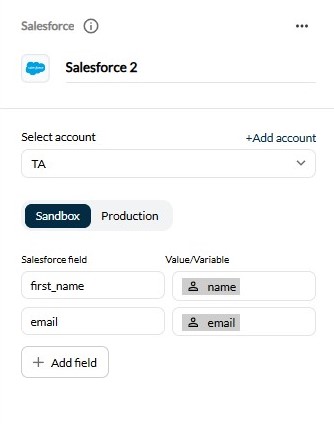
With the Salesforce integration, you can automatically create a lead in your Salesforce account using customer information collected during the chatbot conversation.
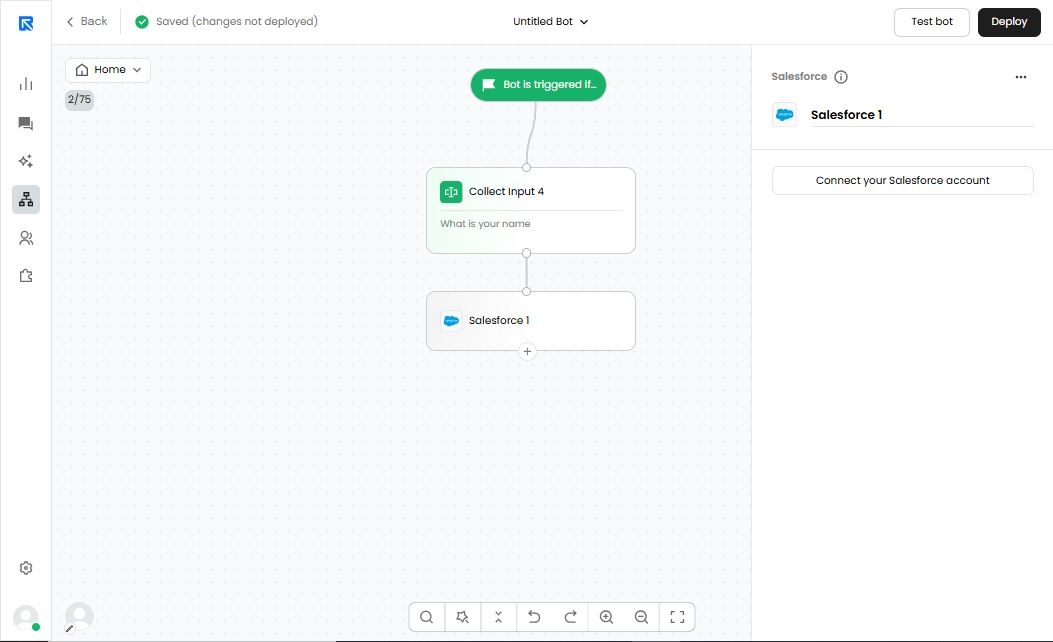
Connect your salesforce account.
First, you must connect your Salesforce account by adding your organization ID.
You can either add it from the action panel on the App Market page.
Select the Environment that you want to use in chatbot action block
- Sandbox
- production
Once connected the account map the Salesforce fields.