ReplyCX helps teams meet their goals by streamlining communication and organization with the ability to group users based on departments.
We offer the unique ability to unite a team of users who can provide dedicated after-sales support or product and service insights that help empower visitors in making purchase decisions.
Importance of having a team:
The benefits of having different teams is that it helps users with Human Handover by automatically assigning conversation to the right team member from the right team in-order to address the problem a customer is facing.
Creating a team:
-
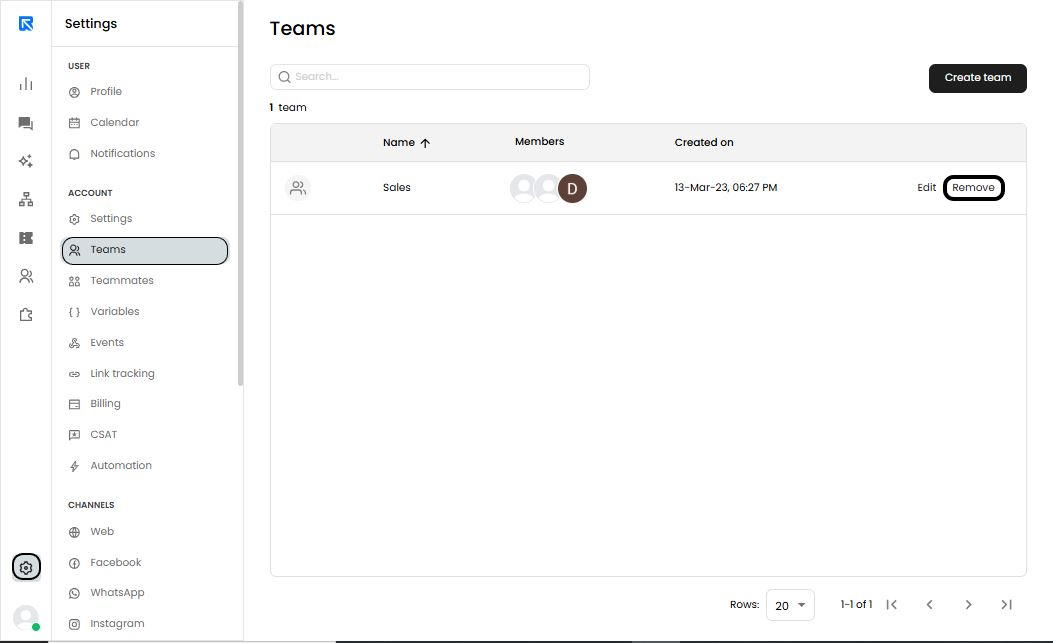
Go to ‘Settings → Account → Teams’ to access the team’s screen.
-
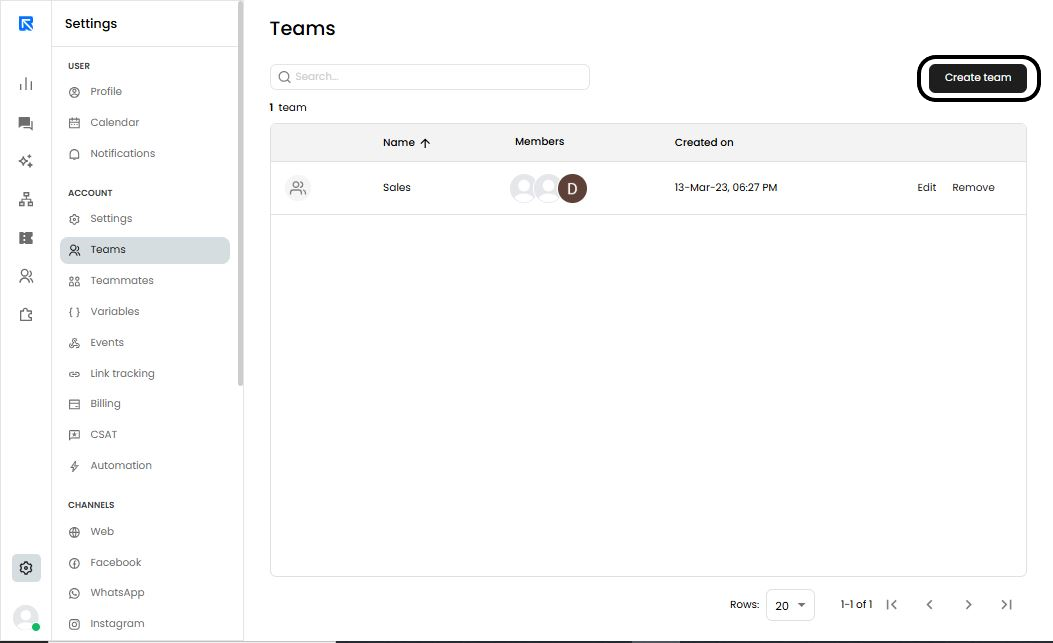
Click on ‘Create Team’ on the top right corner.
-
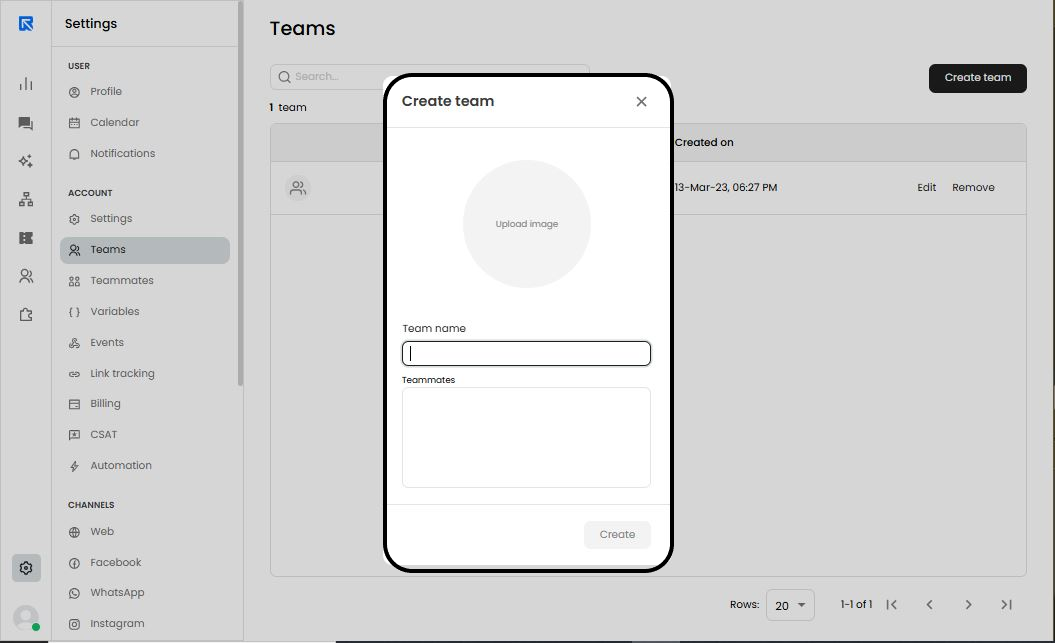
Upload the image of your choice.
-
You can give a name to team by specifying in space provided under ‘Team Name’.
-
You can add teammates from the available option in the space provided under ‘Teammates’.
Managing a team:
You have the ability to manage the existing teams i.e., you can either add or remove the members from the team or delete the team as per their preference.
Editing the existing team:
In-order to edit the existing team i.e., to add or remove the members from the team, you can follow the steps given below:
-
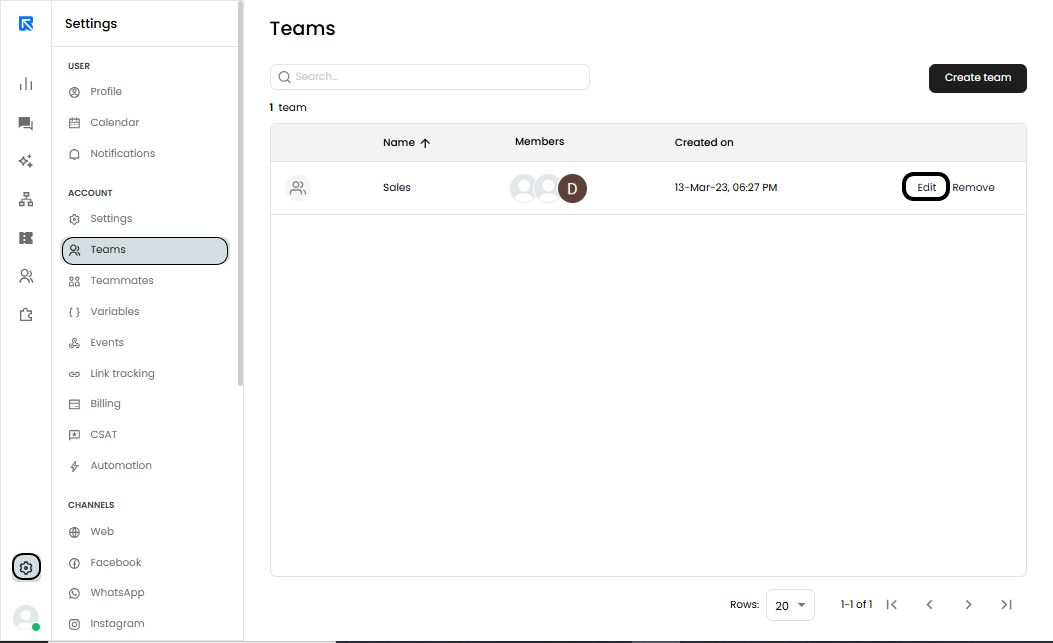
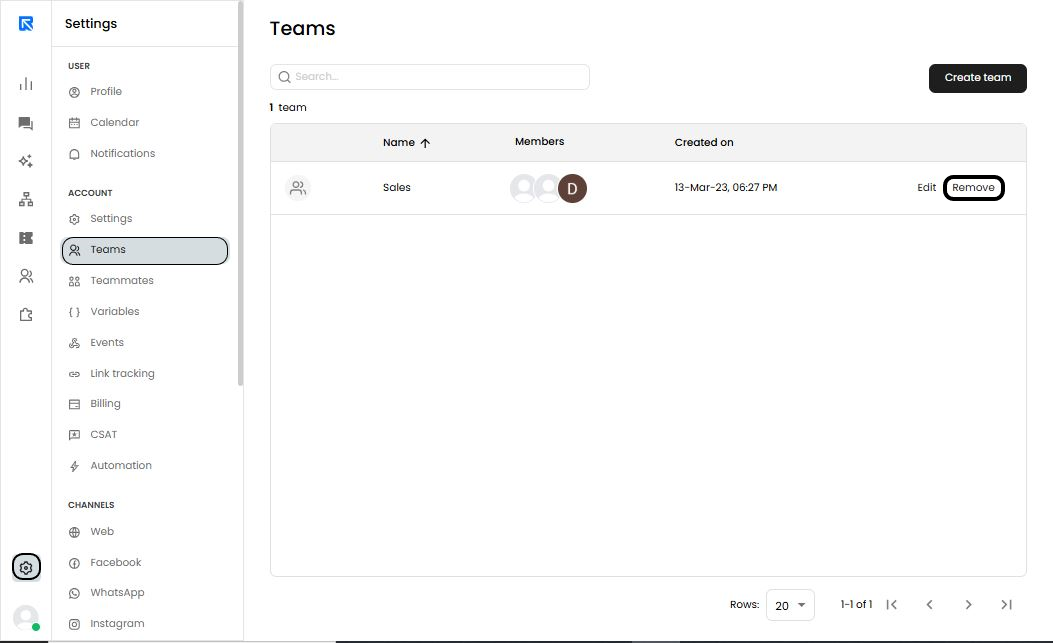
Go to ‘Settings → Account → Teams’ and click on ‘Edit’ options against the team which you would like to edit.
-
Make the required changes:
You can make following changes in a team:- Change the icon
- Update in the name of the team
- Add or Remove Teammates
-
Click on ‘Save’ to confirm the changes.
Deleting a team:
-
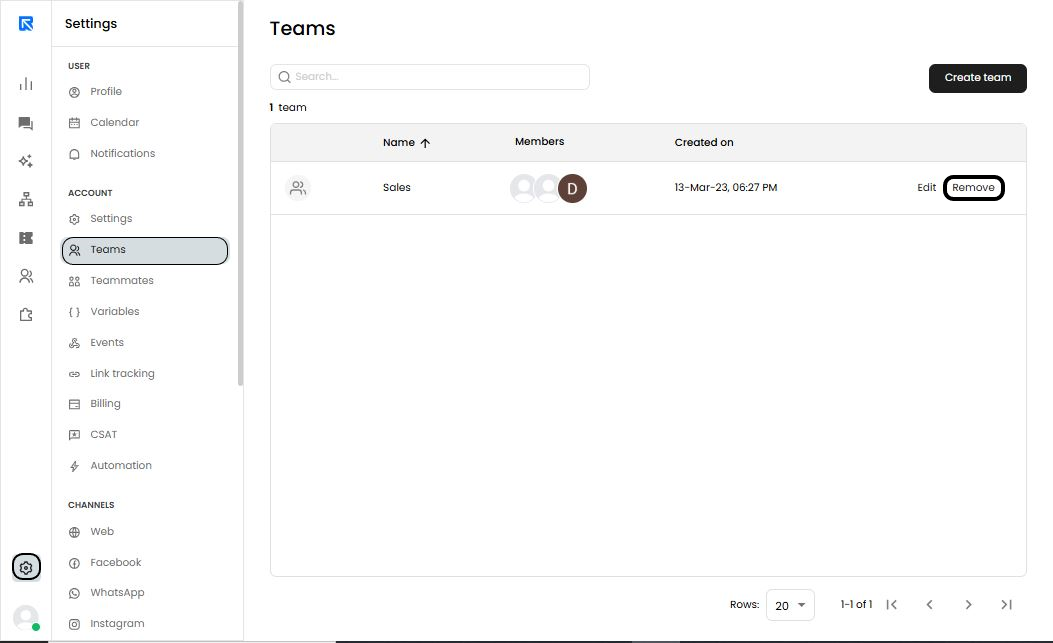
Go to ‘Settings → Account → Teams’ and click on the ‘Remove’ option against the team you would like to delete.
-
Click on ‘Remove’ again to confirm the action.
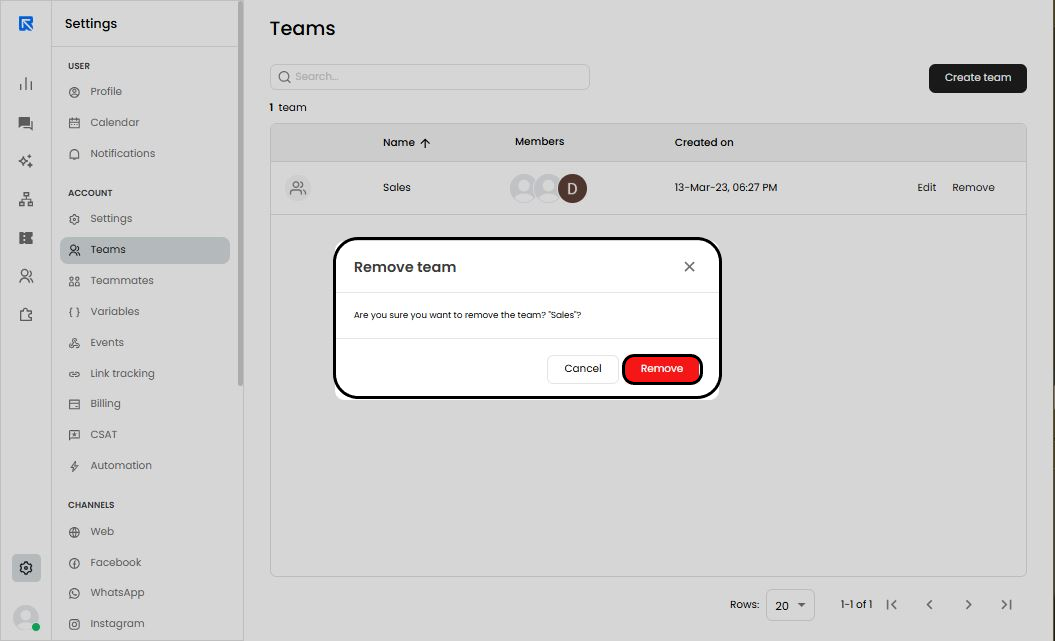
If clicked again, the team will be deleted permanently and user will have to create a new team