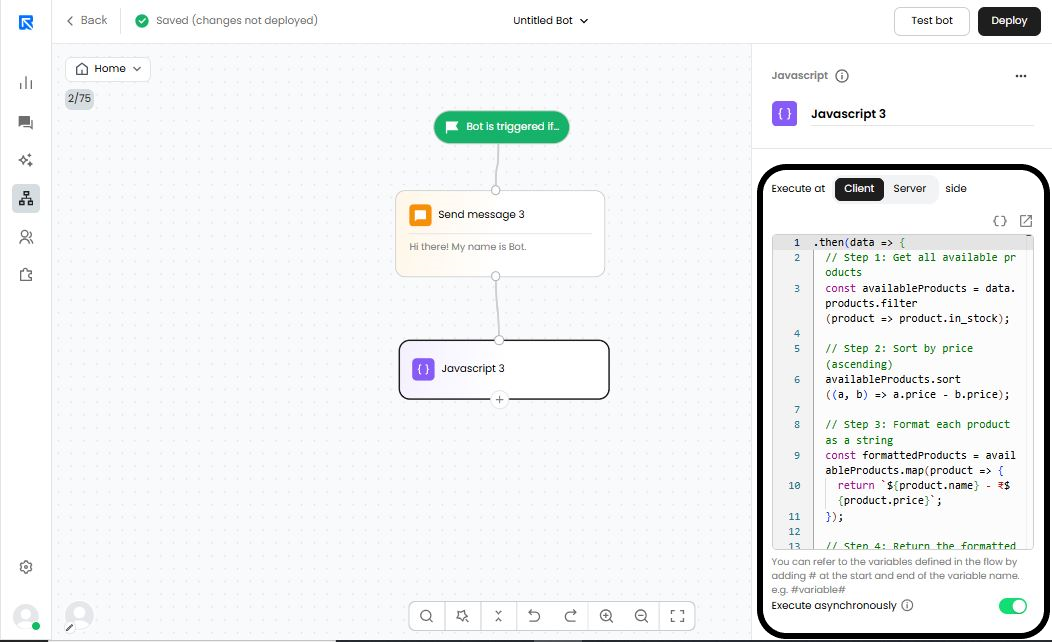
JavaScript is a script that runs in the browser to execute various actions. Some common use cases for a JavaScript action block include:
Performing mathematical calculations.
Dynamically updating variable values.
Modifying strings.
Triggering and tracking events in Google Analytics.
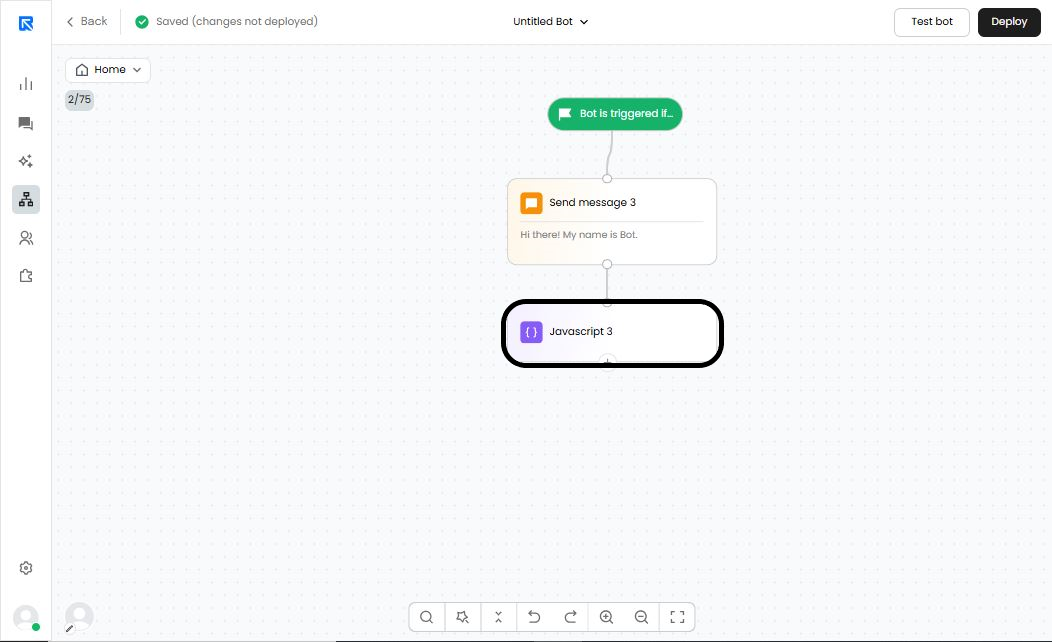
Select Javascript action block in Replycx bot flow.
Maths Calculations:
Here are some code snippets you can use to perform mathematical calculations within the chatbot flow:
Parameter | Snippets | Description |
|---|---|---|
Summation (Addition) | const additionResult = num1 + num2; |
|
Subtraction (Minus) | const additionResult = num1 - num2; |
|
Division (Divide) | const additionResult = num1 / num2; |
|
Multiplication (Multiple) | const additionResult = num1 * num2; |
|
Rendering values into variables:
Here are some snippets you can use to dynamically render values in variables.
Parameter | Snippet | Example |
|---|---|---|
Set Variable (Conversation) | wn.setConversationVariable(“variable_name”,”variable_value”); | wn.setConversationVariable(“name_wn”,”ABC”); |
Set Variable (Conversation) | WotNot.setConversationVariables({“variable_name”:”variable_value”}) | WotNot.setConversationVariables({“t1”:”123”}) |
Set Variable (Contact) | wn.setContactVariable(“variable_name”,”variable_value”); | wn.setContactVariable(“name_wn”,”ABC”); |
Set Variable (Contact) | WotNot.setContactVariables({“variable_name”:”variable_value”}) | WotNot.setContactVariables({“t1”:”123”}) |
String Modification:
Here are some snippets you can use to determine the length of a string or extract a portion of its value.
Parameter | Snippet | Example |
|---|---|---|
Length of String | const lengthOfString = “variable_name”.length(); | const lengthOfString = “some_string_content”.length(); //Output: 19 Calculates the number of characters passed/present in the value |
Get part of a string | const partOfString = “variable_name”.slice(); | const partOfString = “some_string_content”.slice(5); Note: We need to pass the starting index from where we need to get the sub-string. The index starts from 0. //Output: string_content Commonly used to pass the phone number without country code |
Triggering day-based flow:
Here is a snippet you can use to trigger the flow based on a specific day.
Parameter | Snippet | Description |
|---|---|---|
Get current date | const currentDate = new Date(); | Helps retrieve today's date. |
Check if From date should be more than To date | isFromDateBeforeToDate(fromDate, toDate) { const fromDateObj = new Date(fromDate); const toDateObj = new Date(toDate); return fromDateObj < toDateObj; } | Helps to trigger the day-specific flow. |
Triggering and monitoring events in Google Analytics or any other analytics tool:
Here is a snippet you can use to log or track events in Google Analytics or any other analytics tool.
Tool | Snippet | Example |
|---|---|---|
Google Analytics 4 | window.dataLayer = window.dataLayer || []; function gtag() { window.dataLayer.push(arguments); } gtag("js", new Date()); gtag("config", "YOUR-MEASUREMENT-ID"); gtag("event", "YOUR-EVENT-NAME", { "send_to": "YOUR-MEASUREMENT-ID" // Additional parameters that you may want to pass }); | window.dataLayer = window.dataLayer || []; function gtag() { window.dataLayer.push(arguments); } gtag("js", new Date()); gtag("config", "123"); gtag("event", "Replycx_Test", { "send_to": "123", "name": "Test", "phone": "123456789", }); |
JS execution in async
JavaScript can be run asynchronously, allowing the bot to continue the conversation without waiting for the script to complete. This results in a smoother and faster chat experience.
How to enable:
Go to JavaScript block → Enable "Execute asynchronously".