To let users talk to agents instead of typing, you can use the voice chat widget.
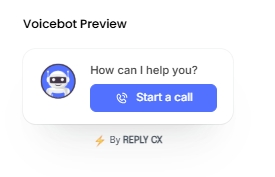
Let's look at how you can enable it:
- Go to Settings
- Navigate to Channels 🡪 Web 🡪 Appearance
- Under "Branding & Visual design", choose the "Widget mode" as "VOICE".
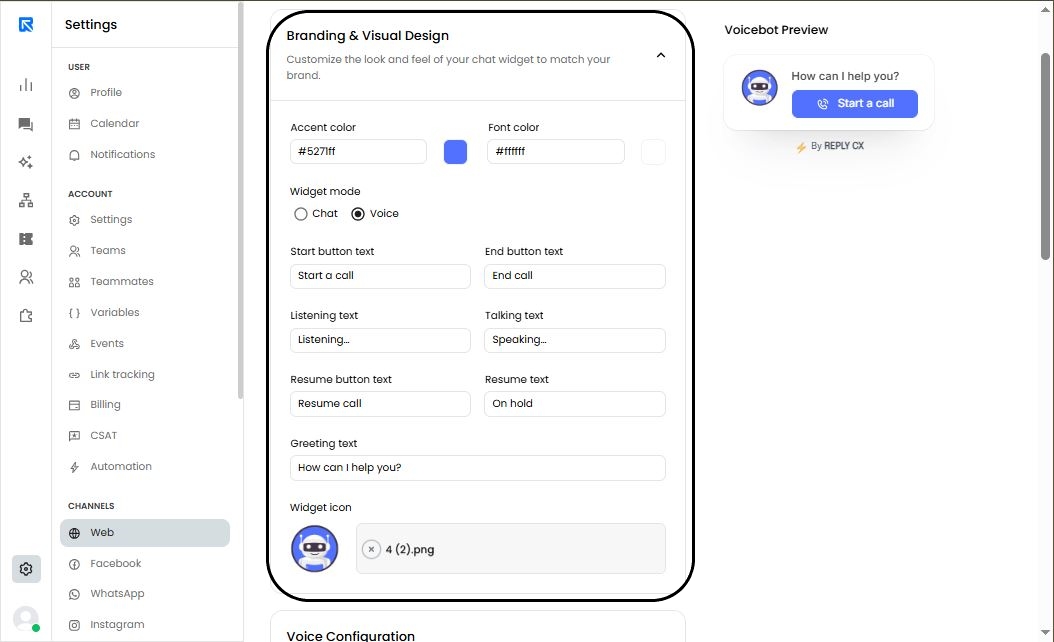
You can customize the default messages shown on the voice chat widget during a conversation.
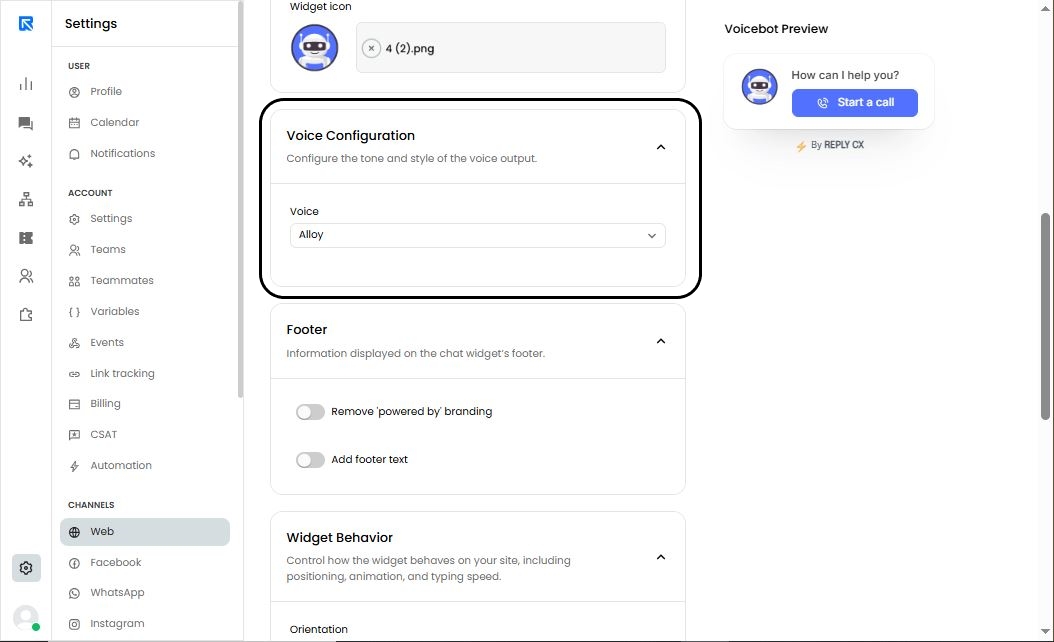
You can also choose from a variety of voice options for how you want your voice agent to sound.
When using VOICE mode, certain action blocks will not execute.