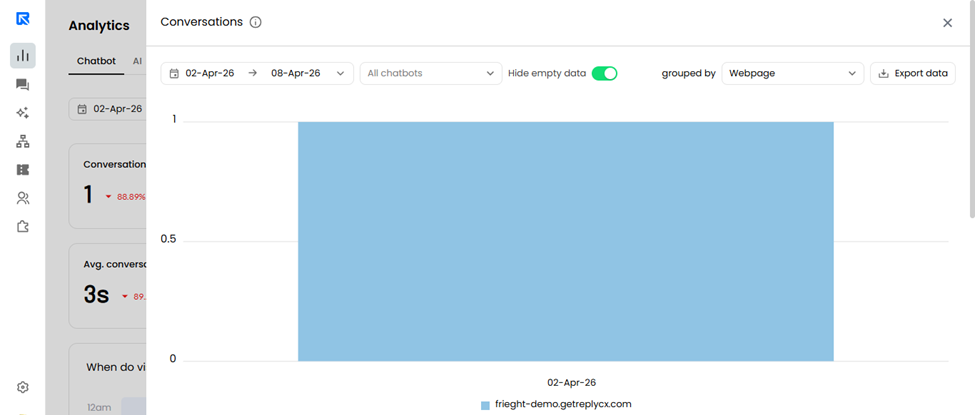
You can hide days with no recorded activity from charts in the Analytics dashboard.
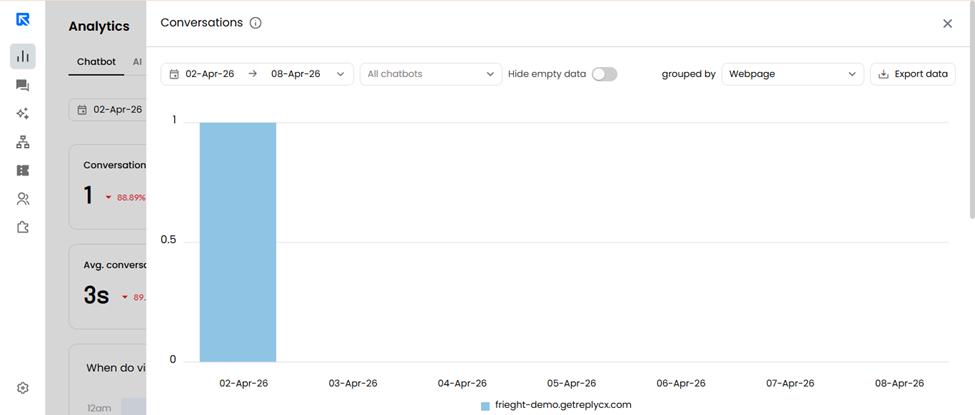
The “Hide Empty Data” toggle allows you to exclude dates where no data is available, resulting in cleaner and more focused reports.
How It Works
This setting is available in all drill-down reports that include charts.
To enable:
Open any analytics report with a chart
Toggle “Hide Empty Data” to remove empty days from the view
Why It Matters
Enhance data visualization by removing unnecessary gaps
Makes reports easier to read and interpret
Helps focus only on meaningful activity
Result
Cleaner charts. Better insights.
Before applying “Hide empty data” option:
After Enabling it: