Freshdesk is a widely-used ticketing system for managing customer support requests. With this integration, you can:
- Create tickets directly from the chatbot.
- Retrieve ticket statuses to keep users update
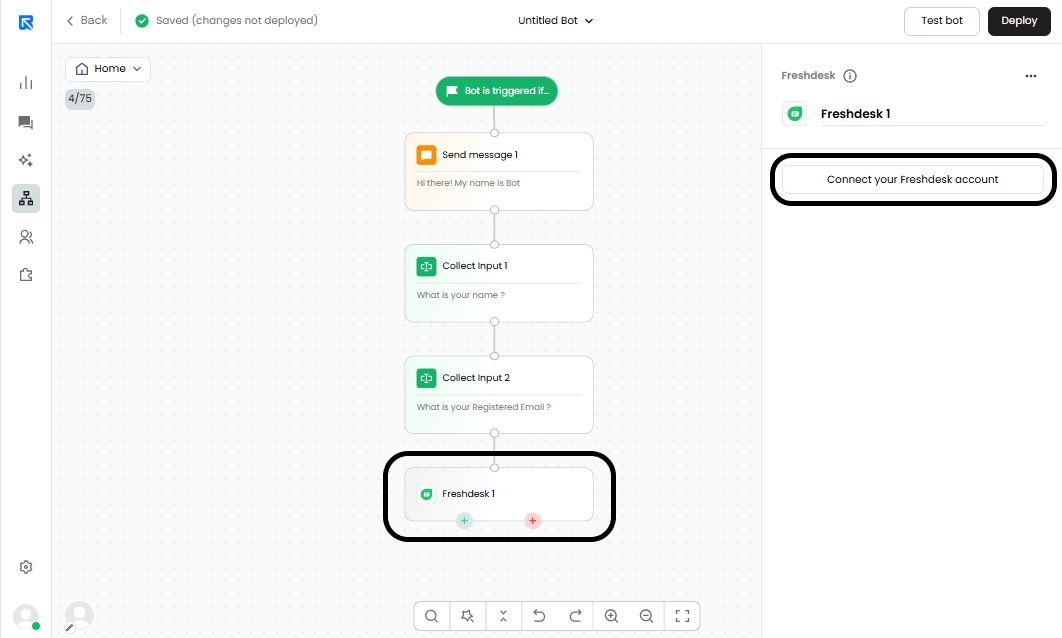
Connecting your Freshdesk account in ReplyCX chatbot.
You can connect your Freshdesk account to ReplyCX in two ways:
- Via App Market: Go to App Market → Freshdesk → Add Account
- Via Freshdesk Action Block: In the action block, click Add Account.
Required Fields:
- Name: Custom name for this Freshdesk account.
- Helpdesk URL: Your Freshdesk subdomain URL (e.g., https://yourdomain.freshdesk.com).
- API Key:
Your Freshdesk API key. You can find it in your Freshdesk profile settings here.