Step to Reset the password
- Open the link https://app.reply.cx/login
- Click on "forgot password."
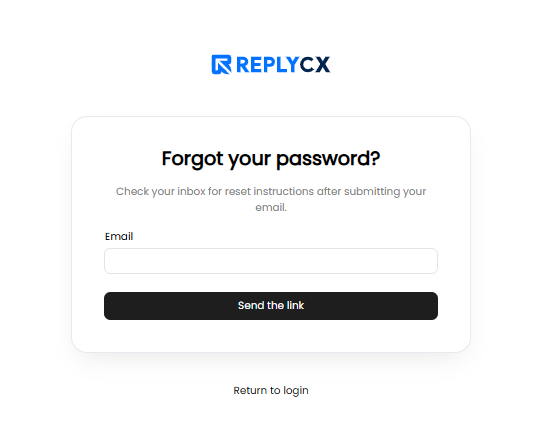
- Enter your registered email address and click "Send Me Link."
- Click the "Reset Password" link received in your email inbox.
- Enter a new password of your choice. We recommend using a strong password, which should include at least one capital letter.
- Click on "Reset Password" to confirm the new password.