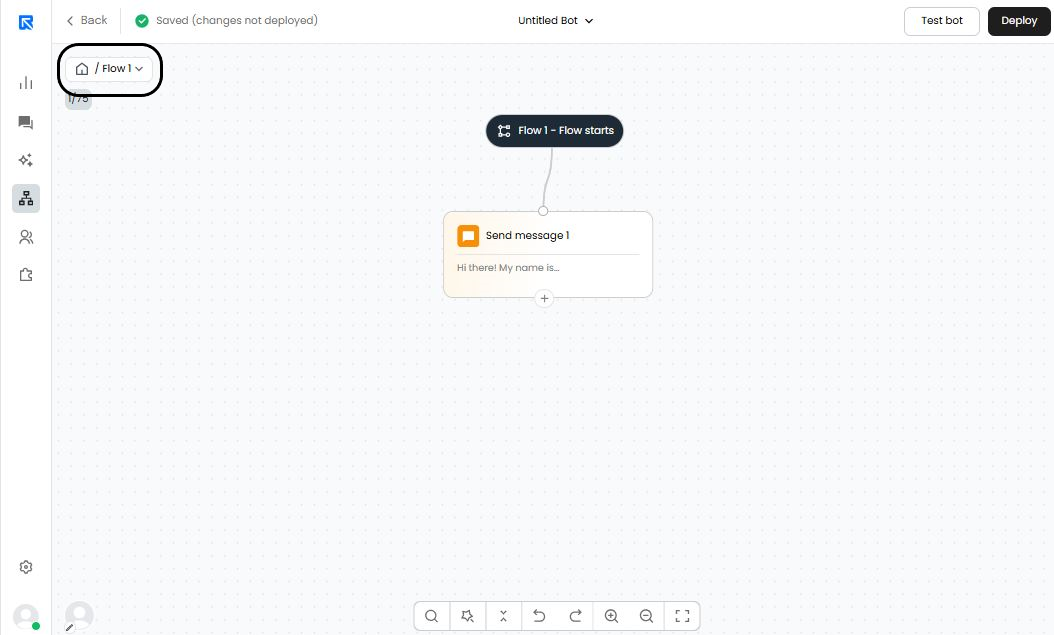
Applications of Flow:
Creating smaller manageable flows for each path.
Easier navigation between the conversation flow.
Easier onboarding of teams to the chatbot.
Setting up the block:
Add an action block on canvas by clicking on ‘+’.
Ideally, you should use the sub-flow function where you expect a long flow to come in.Search for the "Flow" action block and select it.
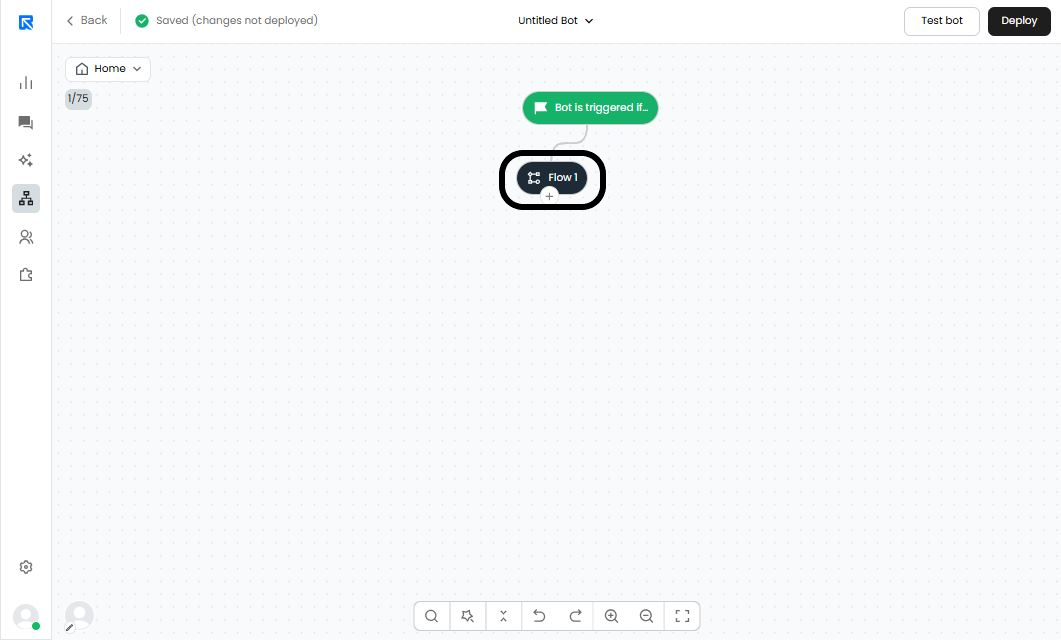
Enter the flow.
Now, to enter this sub-flow, you can either double click on the 'Flow' action block.
You can also enter the sub-flow on the action panel and click on 'Enter flow'.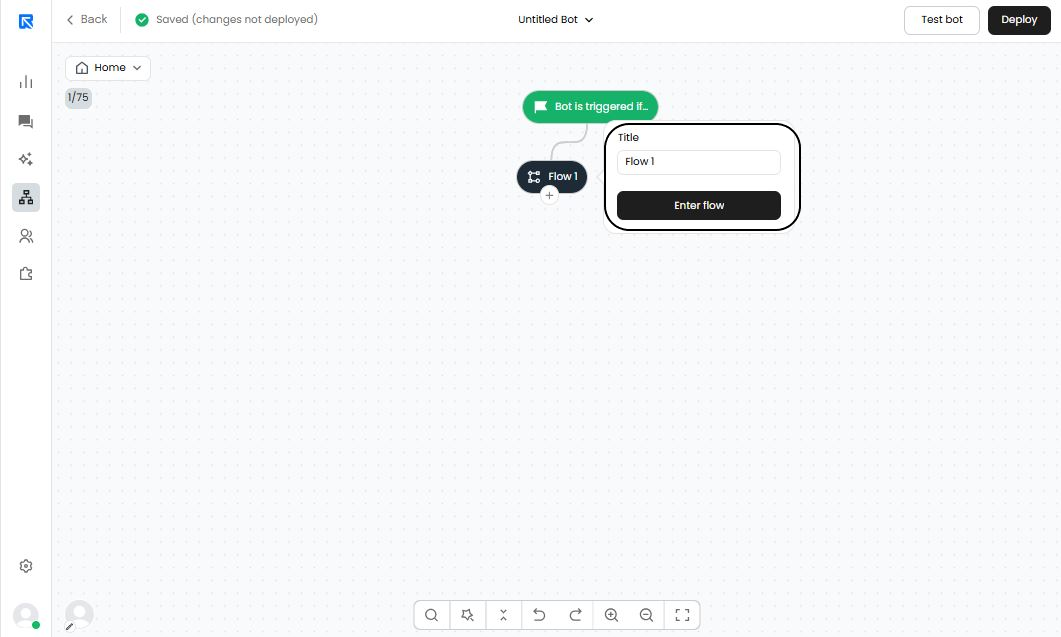
Build flow on the canvas.
When you enter the sub-flow, it would look like this. Here you can continue building your chatbot flow by clicking on “+”.For instance, you can add the send message block in the sub-flow and so on...
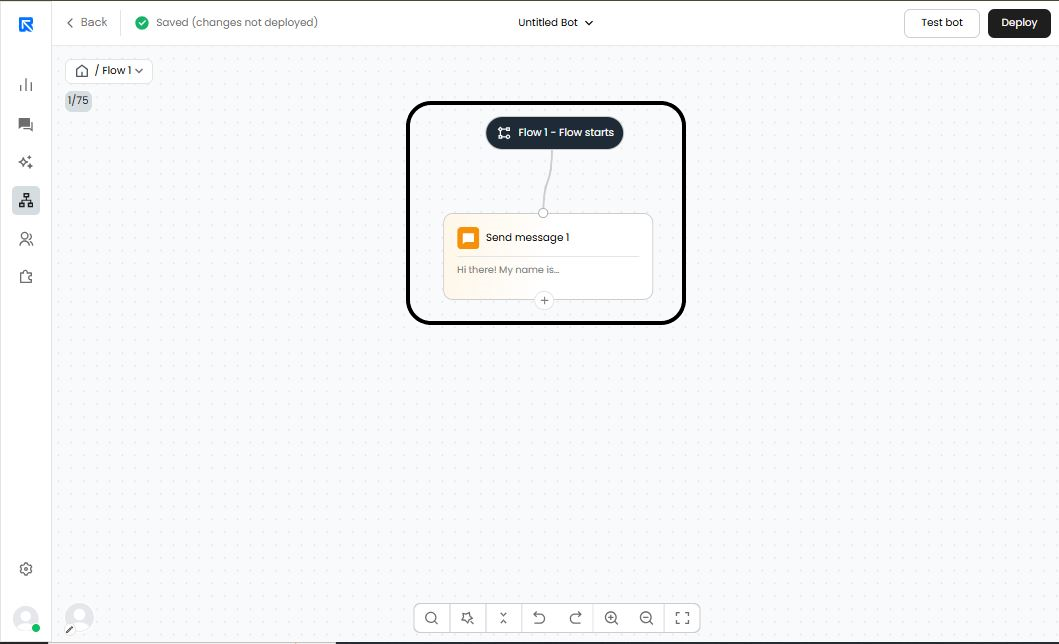
You can navigate back to main flow by clicking on the home button on top left corner.