You can now block contacts on WhatsApp and SMS channels to prevent unnecessary spam to your chatbot.
How to Block a Contact
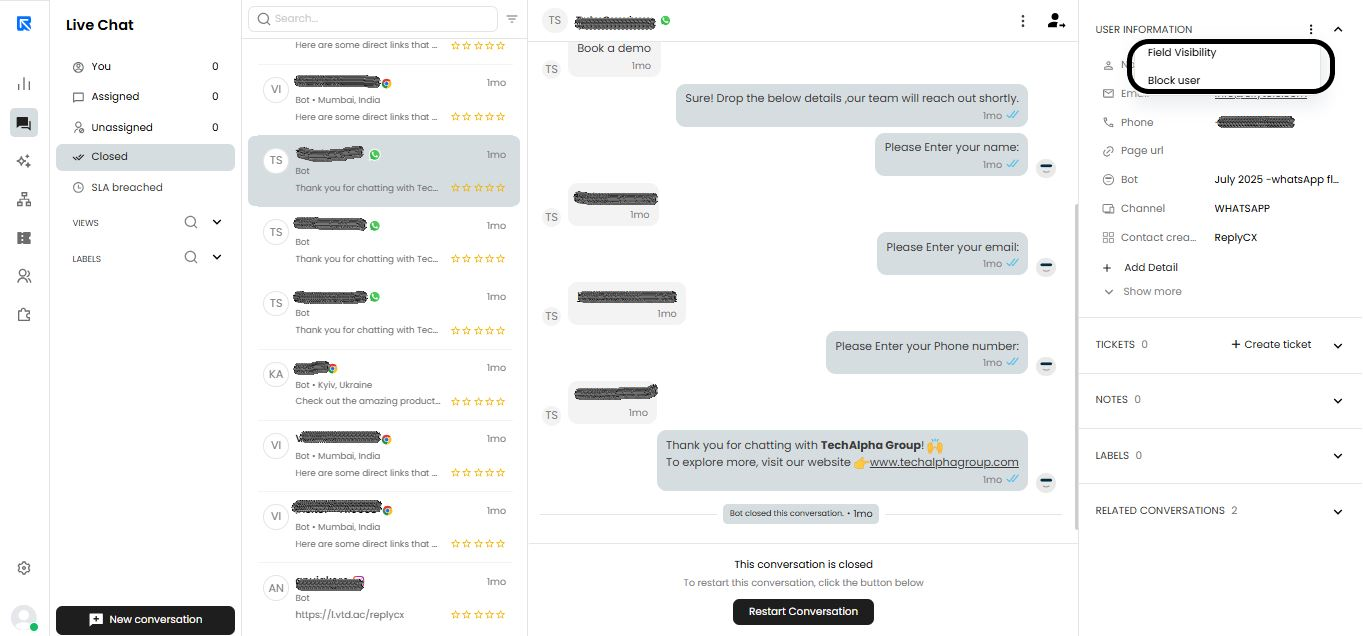
- Open Live Chat.
- Locate the chat with the contact you want to block.
- In the Contact Information panel, select Block user.
Once blocked, the contact cannot start a new chat or receive outbound messages.
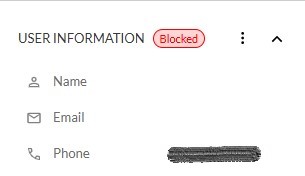
Once, blocked you will see this tag for this contact.
How to Unblock a Contacts
- Open Live Chat.
- Locate the chat with the contact you want to unblock.
- In the Contact Information panel, select Unblock.