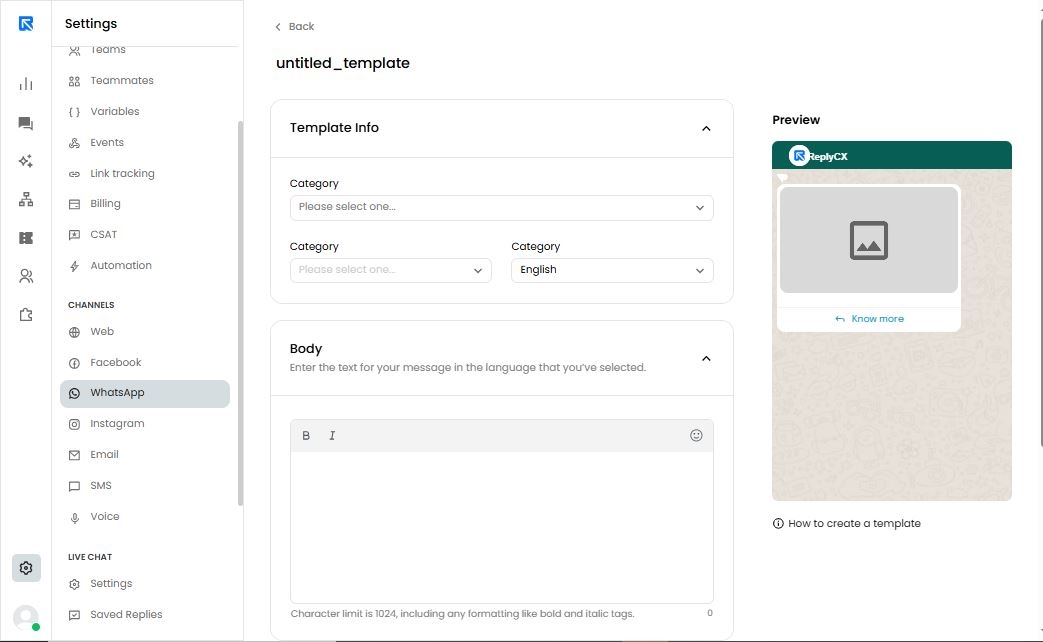
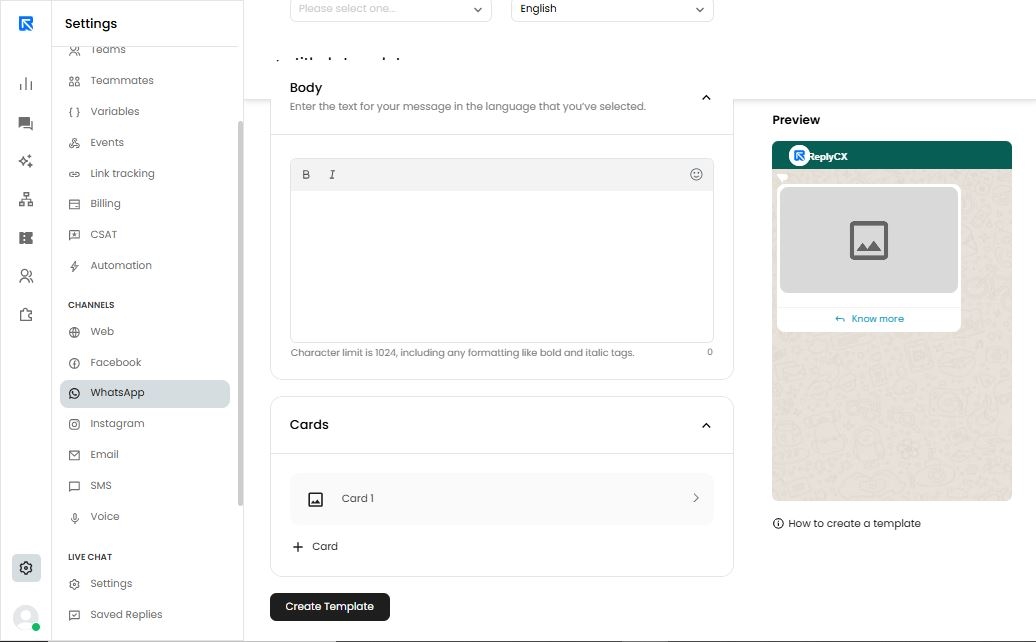
ReplyCX now enables you to create carousel templates for WhatsApp!
To set up a carousel template, simply navigate to Channel Configuration > WhatsApp > Template Messages > ‘Create Template’ > Carousel Template.
Key guidelines for carousel templates:
- A minimum of 2 cards is required, with up to a maximum of 10 cards.
- The same media type must be used across all cards.
- Each card can include up to 2 buttons for added interactivity.
This feature allows you to create visually engaging, swipeable message templates to enhance your customers' experience on WhatsApp.