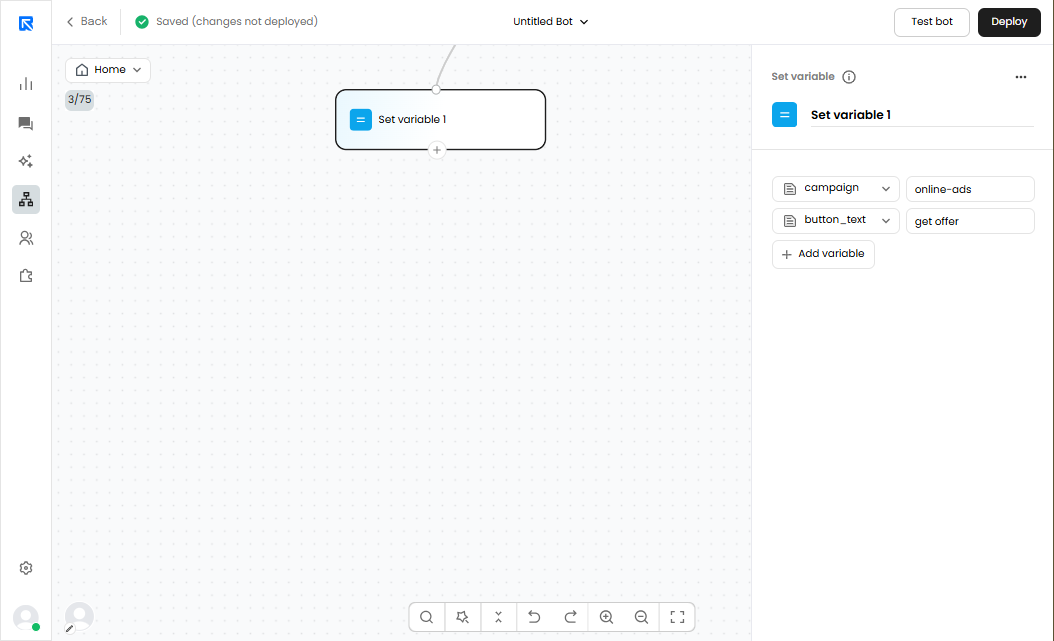
The Set Variable action block allows us to assign a specific value to a variable within a conversation flow. As the name implies, it enables us to define or update a variable with a new value at any stage of the chat.
Why use the Set Variable block ?
Variables are a powerful way to store information, share it across steps, and personalize conversations. The Set Variable block helps us:
- Control flow logic – Define flags or states (e.g., mark a user as a qualified lead).
- Pass data to integrations – Pre-assign values to be sent to a CRM, helpdesk, or other systems.
- Simplify expressions – Save a reusable value instead of repeating it in multiple places.
- Personalize experiences – Assign attributes like plan = Premium or status = Returning Visitor to customize responses.
Where can the Set Variable block be used?
The Set Variable block can be applied in multiple scenarios to make flows smarter and more dynamic, such as:
- Lead qualification
Example: If a user selects Company Size = 500+, set lead_segment = Enterprise.
→ Helps in filtering and routing leads later. - Conversation routing
Example: Set support_priority = High if a user reports an urgent issue.
→ Use this variable for routing or assignment rules. - Default values
Example: If no data is provided, set region = Unknown.
→ Ensures downstream steps always have a fallback value. - Experimentation & tracking
Example: For A/B testing, set test_group = A or test_group = B.
→ Makes it easier to analyse flow performance.
How to configure the Set Variable block
- Drag and drop the Set Variable action block into your conversation flow.
- Select or create a variable that you want to assign a value to.
- Enter the value the variable should store.
- Connect the block to the next step in the flow so the conversation continues seamlessly.
s:
- You can use variables to map values to variables.
- You can use arithmetic operators to define value as well.