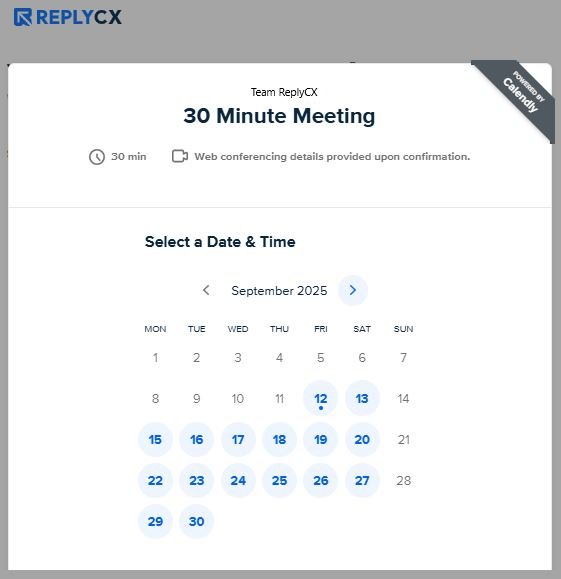
Available on the WEB channel only.
The Calendly action block is used to let users schedule an event with the company.
To set it up, follow these steps:
- Link your Calendly account
- Select the event
Connect your calendly account
First, you need to connect your Calendly account by clicking '+Add account'.
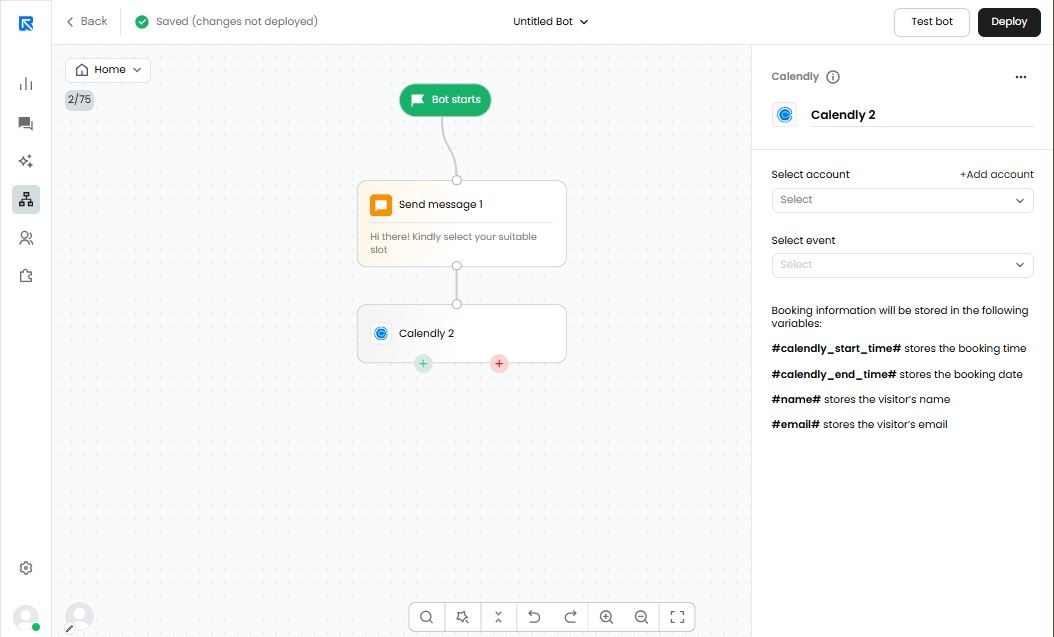
Make sure to grant all requested permissions during the connection process.
Choose your event
Next, choose the event you want to use to book the meeting.
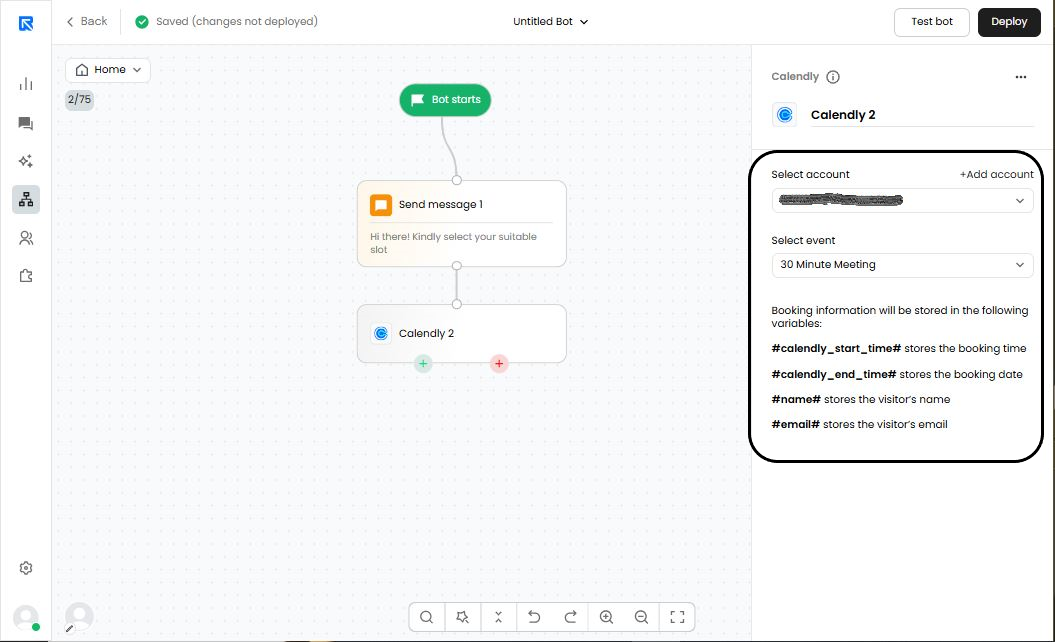
Only those events will show up which are already created before connecting your Calendly account.
If new events are added later, disconnect and reconnect your Calendly account.
After you finish selecting your event, executing the Calendly action block in the chat flow will display it as a full-screen pop-up on the webpage.