
-
Let's start by going to the 'Bot Builder'.
-
Open the chatbot which you want to test.
-
Click on ‘Test this Bot’ at the top right corner.
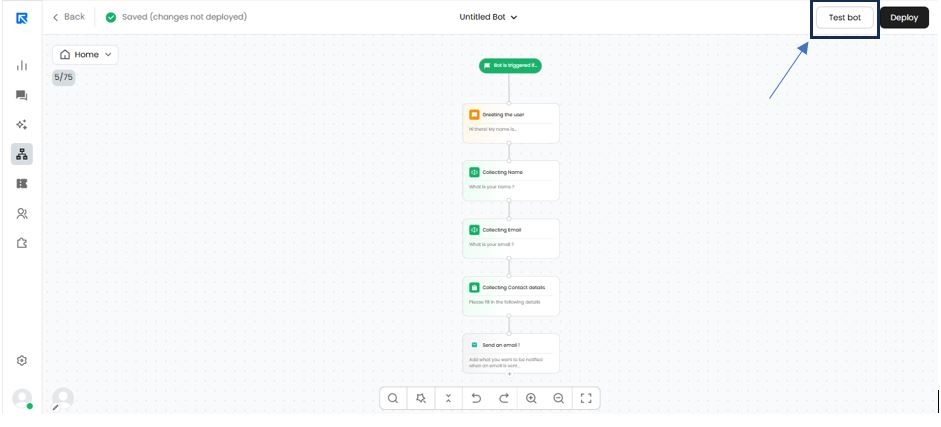
Ready to take your chatbot for a spin? Test out the conversational flow you've created and see how it works!
To access the test link, ensure that your browser’s pop-up settings are enabled.
Alternatively, you can dive right into Bot Management for a quick and easy connection.With this link, you can freely share information with other team members.